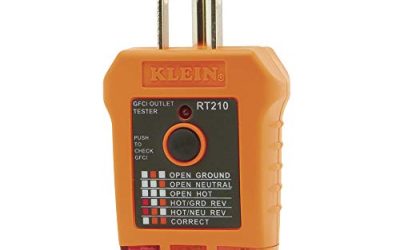
Best Outlet Testers: 5 Picks for Wiring and GFCI Checks
Compare the best outlet testers for checking receptacle wiring and GFCI protection: lamp-chart, LCD and AFCI models with voltage ranges and fault lists.
Data Recovery Review is reader-supported. When you buy through links on our site, we may earn a commission at no extra cost to you. As an Amazon Associate, we earn from qualifying purchases. Learn more ›
Practical guides to backup routines, drive health and protecting files.
Compare the best outlet testers for checking receptacle wiring and GFCI protection: lamp-chart, LCD and AFCI models with voltage ranges and fault lists.
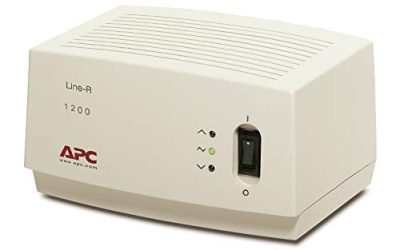
Protect NAS units and hard drives from brownouts, overvoltage and surges with the best voltage regulators and power conditioners for home storage setups.
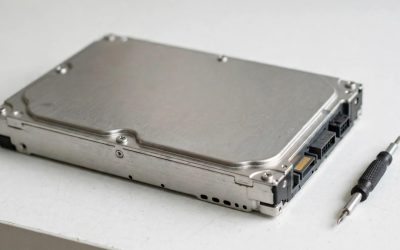
Fix bad sectors on a hard drive: tell logical damage from physical damage, image the drive first, run chkdsk, and know when to retire it for good.
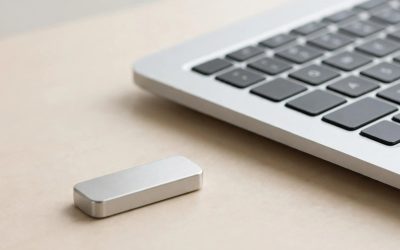
Your flash drive asks to be formatted or shows RAW? Learn how to repair a corrupted USB drive step by step for reuse, and when to retire it instead.
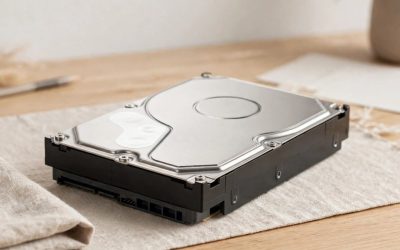
Learn how to wipe a hard drive before selling it: the right method for HDDs and SSDs, how to erase data securely, and how to verify the wipe.
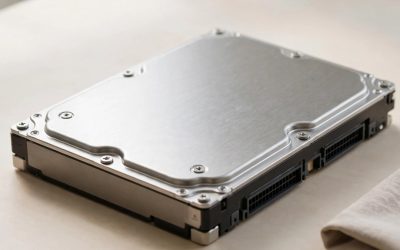
A clicking hard drive is a warning, not a glitch. Learn what the click means, which safe checks to try, and when to power off and call a lab.
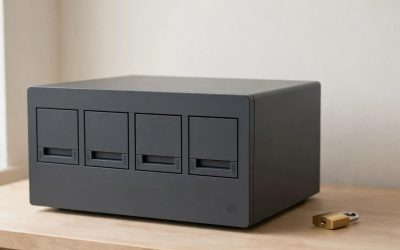
Learn how to encrypt your NAS the right way: volume vs folder encryption, key storage that survives a lost password, and the speed cost before you commit.
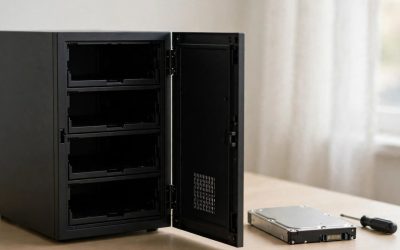
A NAS that will not boot does not mean the data is gone. Learn how to find the fault, pull the drives safely, and get your files back intact.
Learn how to choose data recovery software that fits your drive, file types, and budget, with free vs paid checks and when a lab is the right call.
A Mac that will not boot does not mean your files are gone. Use Recovery Mode, Share Disk, First Aid, and Time Machine to get them back safely.